

As Head of Customer Support at Game, I can confirm this clearly a standalone app for Mission Uncrossable is rare. What works beautifully is mobile play through trusted casino apps on Android and iOS. For Australian players, that means fast loading, smooth taps, and full access to this wild chicken game without awkward setup.
If you are searching for Mission Uncrossable app download, most often you will launch it inside casino apps such as SkyCrown, 1win, Goodman, Neospin, JustCasino, or CrownSlots. Once logged in, open the game lobby, tap Mission Uncrossable, and play right away. Simple…, and much quicker than hunting for a separate install.
Our support team is built for speed and care. If a player cannot find the chicken road game app option, has loading trouble, or needs help on iPhone or Android, we respond fast, stay polite, and keep things clear. No robotic answers, just real help from people who know the product and want your session running smoothly.
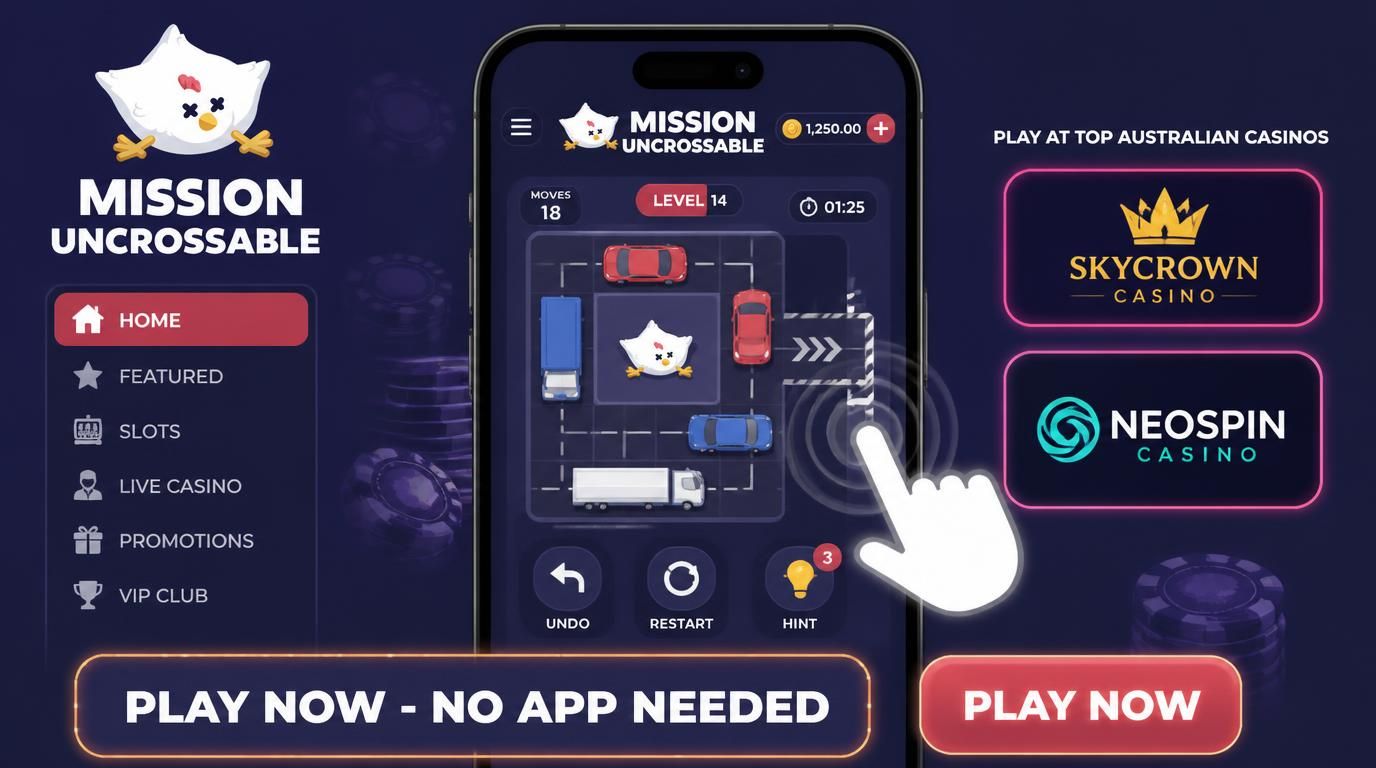
Play Mission Uncrossable on a trusted casino app in Australia without downloading a separate app
As head of customer support for Game, I want Australian players to get Mission Uncrossable running fast, safely, and without guesswork. Our team sees every install case in real time, so this process is shaped by what works best for real users in English-speaking markets. If you are here for the fast-moving chicken game app experience, you are in the right place.
Open our official mobile page on your Android device and tap the download button for Mission Uncrossable. Your APK file will begin downloading at once. If Android pauses installation, go to Settings and enable “Install from Unknown Sources” only for this install, it helps your device ask for clear permission before opening files from outside Google Play.
Download APKWhen download finishes, open your notification panel or Downloads folder and tap file. Approve prompts, then wait a few seconds while app installs. After that, you can switch “Install from Unknown Sources” back off. This keeps setup clean and gives you a safer routine for future APK installs.
Our support team is trained to respond with speed, care, and plain answers no robotic loops, no endless waiting. If your chicken game apk does not open, if storage is full, or if Android blocks file, we step in quickly and sort it out. We treat every request like it matters…, because it does.
We built Mission Uncrossable to feel sharp, quick, and a little daring on iPhone and iPad. For players in Australia, there is no long setup or heavy install. Open your casino site in Safari, launch Mission Uncrossable, and you are ready for that tense chicken game rush in seconds…, clean controls, bright action, no fuss.
For quicker access, use Safari’s Add to Home Screen feature. Open Safari, visit your preferred casino where Mission Uncrossable is live, tap the Share button, then tap Add to Home Screen. Name it as you like and save. An icon appears on your device, so next time it feels almost like a native app one tap and you are back on the road.
As head of customer support, I care about speed and clear help. If a player asks about loading, login, or a payment question linked to chicken app game money, our team responds with focus and respect. No robotic runaround, just real help from people who know game flow, device quirks, and how to get you back into play fast.
If you are searching for chicken road game app download options, this Home Screen method is often fastest on Apple devices. It keeps Mission Uncrossable close at hand and cuts out extra steps. Smooth, direct, and always ready when that next risky crossing starts calling.
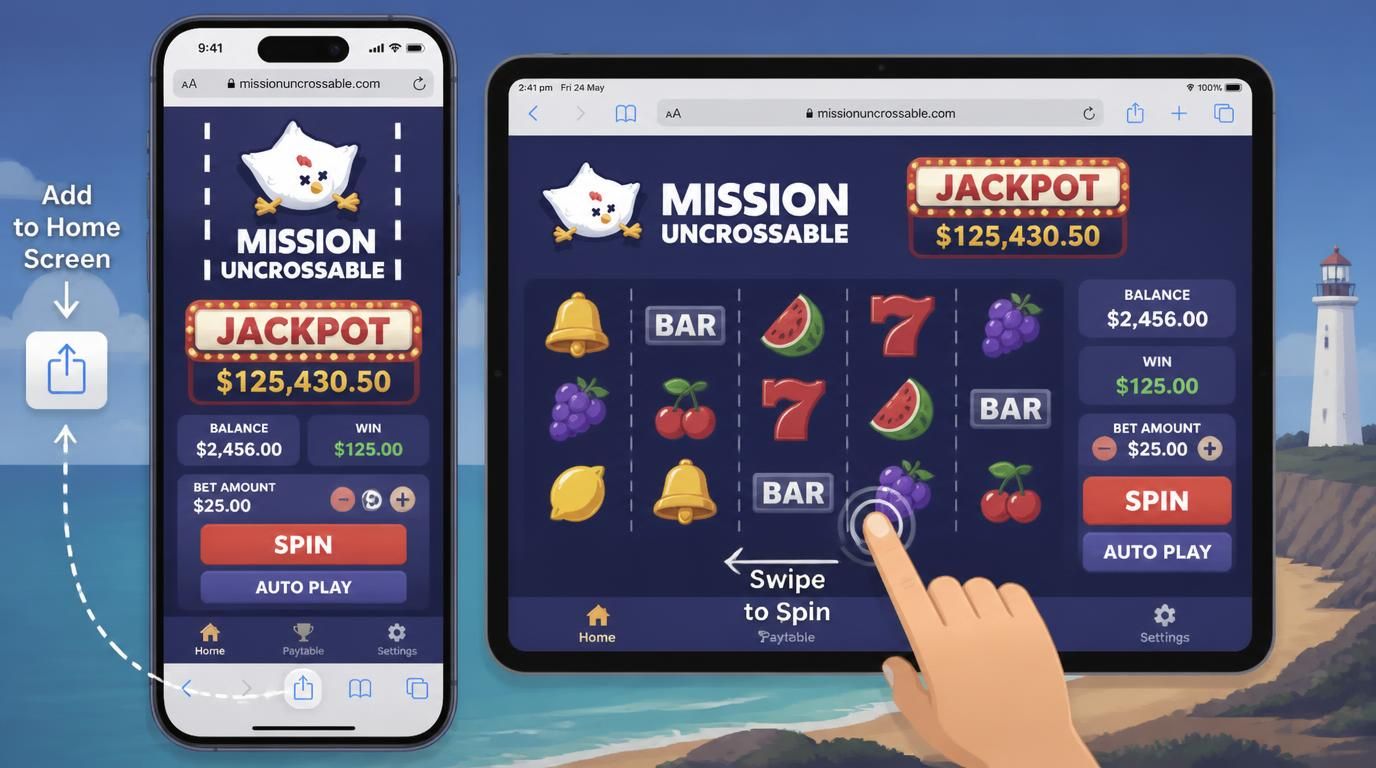
Play via browser and add Mission Uncrossable to your Home Screen for iOS devices
We built Mission Uncrossable for fast mobile play, and our support team treats performance questions with real care. If you want high-quality graphics without stutter, use this quick checklist for Mission Uncrossable app. We reply fast, speak clearly, and help with real fixes…, not copy-paste nonsense.
| Feature/Criteria | Description/Details |
|---|---|
| RAM | Minimum 4 GB RAM. For smooth high-quality graphics, 6 GB RAM or more is recommended. |
| Android version | Android 10 or newer runs best. Android 12+ gives more stable frame pacing on newer devices. |
| iPhone version | iOS 15 or newer is recommended for steady performance and cleaner visual loading. |
| Storage space | Keep at least 2 GB free so textures, updates, and cache can load without slowdowns. |
| Support response | Our team checks device details fast, explains issues in plain English, and helps players avoid false searches like roobet chicken game apk download. |
If your chicken game session feels choppy, we check RAM pressure, OS version, overheating, and background apps first, that simple review solves most cases quickly.
As head of customer support for Game, I can say this with confidence Mission Uncrossable on mobile was made for thumbs, quick reactions, and short bursts of nerve. On desktop, you track every lane across a wider field and click with more distance between actions. On mobile, that same tension feels closer, faster, and a little more daring…, in a good way.
A single tap moves your character forward, swipe habits are not required, and that matters when timing is tight. Buttons are large, clear, and placed low on screen, so one-handed play feels natural on trains, sofas, or suspiciously slow lunch breaks. If you came here looking for a chicken game gambling app feel, mobile delivers that sharp, pick-up-and-play rhythm without clutter.
Mobile version works beautifully in vertical mode, which is one of the biggest differences from desktop. You do not need to rotate your device or stretch your hands across a wide layout. Important play data stays visible near action area, and menus stay compact. Desktop gives you more breathing room, mobile gives you more urgency. For Mission Uncrossable, that trade feels exciting rather than limiting.
We kept visual noise low. Traffic, hazards, and progress markers stand out against background, so your eye finds danger fast. Sessions open quickly, and returning players can jump back in with minimal taps. Players in Australia often ask about older devices, in most cases, performance stays smooth if browser and operating system are current. Some users search for mission uncrossable apk, though browser play is often easiest for instant access.
Our team treats mobile questions with urgency because small screen issues can ruin a fast game even faster. If a tap feels delayed, a screen scales oddly, or vertical mode locks in a strange way, support replies with direct steps rather than canned fluff. We aim to be professional, quick, and human yes, human, shocking for support sometimes.
We regularly assist players connecting through SkyCrown, 1win, Goodman, Neospin, JustCasino, and CrownSlots. That means our team is used to questions about loading, login handoff, payment-page transitions, and mobile browser setup. When a problem appears, we do not pass you around in circles. We check device type, version, and session behaviour, then move toward a fix fast. Good support should calm nerves, not test them.
We know how annoying it feels when Mission Uncrossable freezes right as your chicken makes a brave run…, or when lag hits and timing goes bad by a split second. Our support team treats these reports fast, with real care, because smooth play on mobile data matters.
If you use the app Mission Uncrossable and see stutter, delayed taps, or sudden pauses, mobile signal is usually cause. In Australia, speed can jump up and down while moving between towers or crowded areas. A quick restart of app, turning airplane mode on and off, or switching from 5G to 4G often clears it up.
For players using the australian Mission Uncrossable app, we also suggest closing background apps, disabling battery saver, and checking if data saver is limiting game traffic. Low free storage can cause small freezes too, yes, your phone can act dramatic when nearly full.
If trouble stays, our support team responds with speed and clear steps, so you spend less time waiting and more time crossing. That is how we work at Game.
Comments